

Blog

7 Tips for Buying Thermal POS Paper

A receipt may look simple, but the paper behind it affects print clarity, printer performance, and daily checkout flow. Thermal Pos Paper uses heat-sensitive coating instead of ink, so coating consistency and printer compatibility matter. Grand View Research estimated the global thermal paper market at USD 4.18 billion in 2023 and projected 6.6% annual growth from 2024 to 2030. That market estimate signals broad demand, not guaranteed product quality. Buyers still need to check the roll itself.

Width, roll diameter, core size, and paper thickness should match the printer’s specifications. A roll that looks right may still jam if its core is too large. Ask suppliers for clear specifications and, when possible, test samples in your actual machines. Check that text appears dark and even, without pale bands or smudges. Small details matter. Also consider how long receipts must remain readable, since heat, light, and handling can affect image retention. Supplier claims deserve scrutiny; a low price alone tells little about coating performance. That is easy to overlook. These seven tips focus on practical checks, from dimensions and print quality to packaging and supplier support. They cannot remove every purchasing risk, but they can make comparisons more informed. Test before bulk ordering.
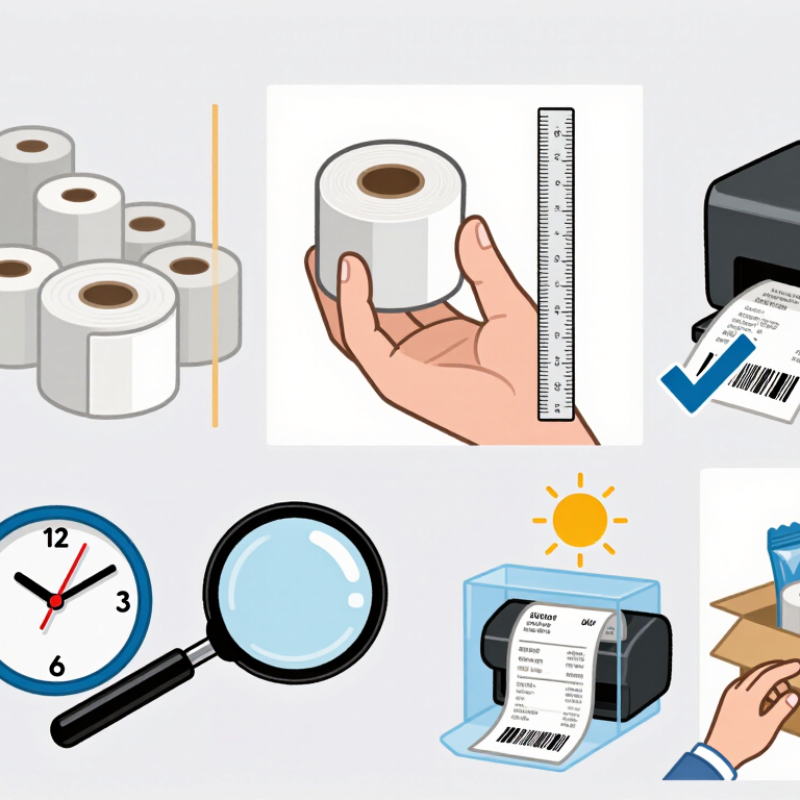
7 Tips for Buying Thermal POS Paper

Identify Your POS Printer’s Paper Requirements

Before ordering thermal POS paper, check the printer’s manual or specification label. A roll can look right and still fail to feed. Confirm paper width, maximum roll diameter, and core size; these dimensions affect how the roll fits inside the compartment. Measure an existing roll across its width, then check its outer diameter and cardboard core. Use millimeters when possible, since small differences matter. Also confirm that the printer uses direct thermal paper, not ink-based or thermal-transfer stock. Direct thermal paper darkens under the printhead’s heat. Simple, but important.

Next, match the paper’s thermal sensitivity and surface quality to the printer’s stated requirements. If the roll is too thick, too rough, or poorly coated, text may print faintly, feed unevenly, or leave residue on the printhead. Look for a smooth, even surface and cleanly cut edges. If receipts need to stay readable over time, ask the supplier for documented image-retention details. Store rolls away from heat, sunlight, and plasticizers. Test one roll before buying a case: print small text and a barcode, then check clarity and feeding. Width alone is not enough; it is an easy detail to miss.

Choose the Correct Roll Size and Core Dimensions

A roll can look right and still jam a printer. Check three measurements: paper width, roll diameter, and core diameter. Common receipt widths include 57 mm and 80 mm, but the printer’s manual is the authority. A 57 mm roll in an 80 mm paper path may feed poorly or print off-center. Core openings also vary; compare the inside diameter with the spindle, not just the outside of the cardboard tube. Small details matter.

Measure the widest point of the roll, since a larger diameter may hit the printer cover. For busy counters, a wider roll can reduce changeovers, but only if the compartment has room. Grand View Research’s 2023 thermal paper market report estimated the global market at about US$4.15 billion, reflecting broad demand across receipt and label uses. That figure does not tell you which roll fits your device; dimensions do. Measure twice. I’d still verify with a sample roll when specifications are unclear—manuals and listings sometimes leave out core details. Keep the measurements with the printer, and reorder by width, maximum diameter, and core size rather than by appearance.

7 Tips for Buying Thermal POS Paper - Choose the Correct Roll Size and Core Dimensions

Tip What to Check Common Examples How to Confirm
1. Match the paper width The roll must fit the printer’s paper path. A roll that is too wide may jam; one that is too narrow may print off-center. 57 mm and 80 mm are common POS receipt widths. Check the printer specifications or measure the width of a roll that already fits.
2. Check the maximum roll diameter The outside diameter (OD) determines whether the roll will fit inside the printer’s paper compartment. Roll ODs such as 40 mm, 50 mm, and 80 mm are available; acceptable sizes depend on the printer. Look up the printer’s maximum roll diameter. Measure across the full roll, not the paper core.
3. Match the core dimensions The core’s inner diameter (ID) must suit the printer’s spindle or roll holder. Some printers accept coreless rolls or use a separate holder. Core IDs around 12 mm, 17 mm, and 25 mm are found on some rolls; sizes are not universal. Measure the opening across the center of the core and compare it with the printer manual or an existing roll.
4. Consider roll length, not just diameter The paper length depends on roll diameter, core size, and paper thickness. Two rolls with the same OD may contain different lengths. Length is typically stated in metres or feet on the packaging or product specification. Compare the stated length and confirm that the roll still meets the printer’s OD limit.
5. Verify the printable side Thermal paper prints on its heat-sensitive coated side. Roll winding direction can vary, so the coated side must face the printhead. Many standard POS rolls are wound with the coated side facing outward, but this should not be assumed for every roll. Check the packaging instructions or make a short test print before loading a large supply.
6. Confirm printer and paper compatibility Thermal paper is for direct thermal printers. It is not the correct paper for impact or dot-matrix receipt printers. Check the printer’s specified paper type, supported width, and any coating or operating requirements. Consult the printer manual and test a sample roll for clear, consistent printing and smooth feeding.
7. Plan storage and purchasing quantities Heat, direct sunlight, and moisture can affect thermal paper and printed-image legibility. Buying in bulk is useful only if rolls can be stored appropriately. Keep unused rolls in a cool, dry place, away from direct sunlight and heat sources. Check packaging and storage guidance, and order a sample first if roll dimensions or printer compatibility are uncertain.

Compare Paper Quality, Coating, and Print Clarity

When comparing thermal POS paper, inspect the coating, not just the roll’s bright white surface. A uniform coating usually produces darker, sharper characters at the same printer setting. Ask for sample rolls and print the same receipt on each. Check tiny text, fine lines, and barcodes under normal store lighting. Look for pale bands, fuzzy edges, or gaps across the paper. Small defects can become hard-to-scan receipts.

ISO/IEC 15416:2016 grades linear barcode print quality on a 0.0–4.0 scale. Ask whether a supplier’s test data uses this method, rather than relying only on a visual sample. The scale gives you a consistent comparison, but it does not guarantee every scanner will read every code. Test with your own printer and scanners. A clean sample can mislead.

Coating sensitivity matters, too. A receipt that prints clearly at first may fade after exposure to heat, sunlight, or friction. Compare samples after handling: fold one, rub the printed area, and leave another near a warm window for a short period. These are practical checks, not laboratory tests. I still find hand comparisons useful, though they are imperfect. Review coating consistency and print darkness together; either one alone can hide a problem.

Check Safety Standards and Long-Term Storage Needs

Before buying thermal POS paper, ask for current technical data and a written statement about its coating chemistry. Check that the paper meets applicable safety requirements where it will be used. A “BPA-free” label alone does not confirm that every substitute or coating has been assessed. Request clear documentation, and verify that the roll width, core size, and printer specifications match your equipment. Small details matter.

Storage conditions affect how long receipts remain readable. Keep unopened rolls in their original packaging, away from windows, heaters, and damp floors. A cool, dry cabinet is usually more suitable than a stockroom shelf beside a sunny door. Heat leaves evidence: receipts may darken, while light and humidity can make printed text fade. Keep rolls away from solvents, oils, and plastic materials that may transfer chemicals onto the paper.

For records that must remain legible for years, do not rely on thermal receipts as the only copy. Scan or photograph important documents, then store the digital files securely. Paper can look fine when it arrives and still print poorly after months in a hot storeroom. I would also label opened cartons with the delivery date; it is an easy step to forget. Test a small batch before committing to a large order.

Evaluate Suppliers, Pricing, and Product Consistency

Tip 1: Ask suppliers for a written specification covering roll width, diameter, core size, and paper weight. Request samples from the same production grade you plan to order. Test them in your actual POS printers. Check for clean cutting, readable receipts, and steady feeding. A sample that works well matters more than a polished sales sheet.

Tip 2: Compare the full delivered cost, not just the price per roll. Include freight, minimum order quantities, packaging, and expected waste. A low quote can look attractive. Then the shipping cost changes the picture. Ask how pricing may vary between repeat orders, and keep the quote for reference.

Tip 3: Check product consistency across batches. Record roll dimensions and test print darkness with the same printer settings. Ask how the supplier handles specification changes or quality complaints. Keep a few rolls from each delivery for comparison. Small differences can cause jams or faint text. I would not rely on appearance alone; it is easy to miss a subtle change until a busy checkout line is waiting.

Recycle

Request a Quote

Fill out the form below and one of our specialists will contact you to discuss your questions and needs.

Start your sustainable waste service today